


Get
93% Off!
on Lifetime Exclusive Deal
Don’t Miss out this deal, it comes with Password Manager Free of cost.

This guide highlights the best NextDNS alternatives that you might want to try. If you’ve used NextDNS, you already know why it’s so popular: strong threat protections and a straightforward way to block ads and trackers at the network level.
It’s a solid choice for a lot of people. But “solid” doesn’t mean it’s the only option, or even the best one for your specific setup. Maybe you want features NextDNS doesn’t currently offer.
Whatever the reason, 2026 has brought some genuinely impressive competitors worth having a closer look at. Below, we’ve rounded up the top NextDNS alternatives with their features and pricing reviewed.
| NextDNS Alternatives | Features | Pricing | Best for |
| 1. Control D |
|
A 14-day free trial
Custom Pricing for Schools, MSPs, SMBs ($2/ endpoint/ month), Enterprises |
Personal users, Schools, Non-profits, Startups, SMBs, Enterprises |
| 2. DNSFilter |
|
Starts at $1.15/ per license, billed monthly. | Enterprises, Education, Healthcare, Government |
| 3. Scout DNS |
|
Separate paid plans for Commercial, Non-profit, Educational, and MSP customers. E.g., Commercial starts at $0.92 per seat. | Enterprise, Government, Non-profit, Retail, Education, Small Businesses. |
NextDNS is a popular and widely used DNS service provider, known for its effective threat prevention capabilities.
To understand why some users look for alternatives, we reviewed feedback from platforms like Reddit and Trustpilot to identify the most common pain points. While users generally praise NextDNS for its quick, easy setup and effective ad-blocking features, several recurring limitations have pushed people to explore other options.
The most common limitations include:
And if these reasons are also resonating with you and you are also looking for alternative DNS solutions, here is an overview of the top 3 options.
These are as follows:
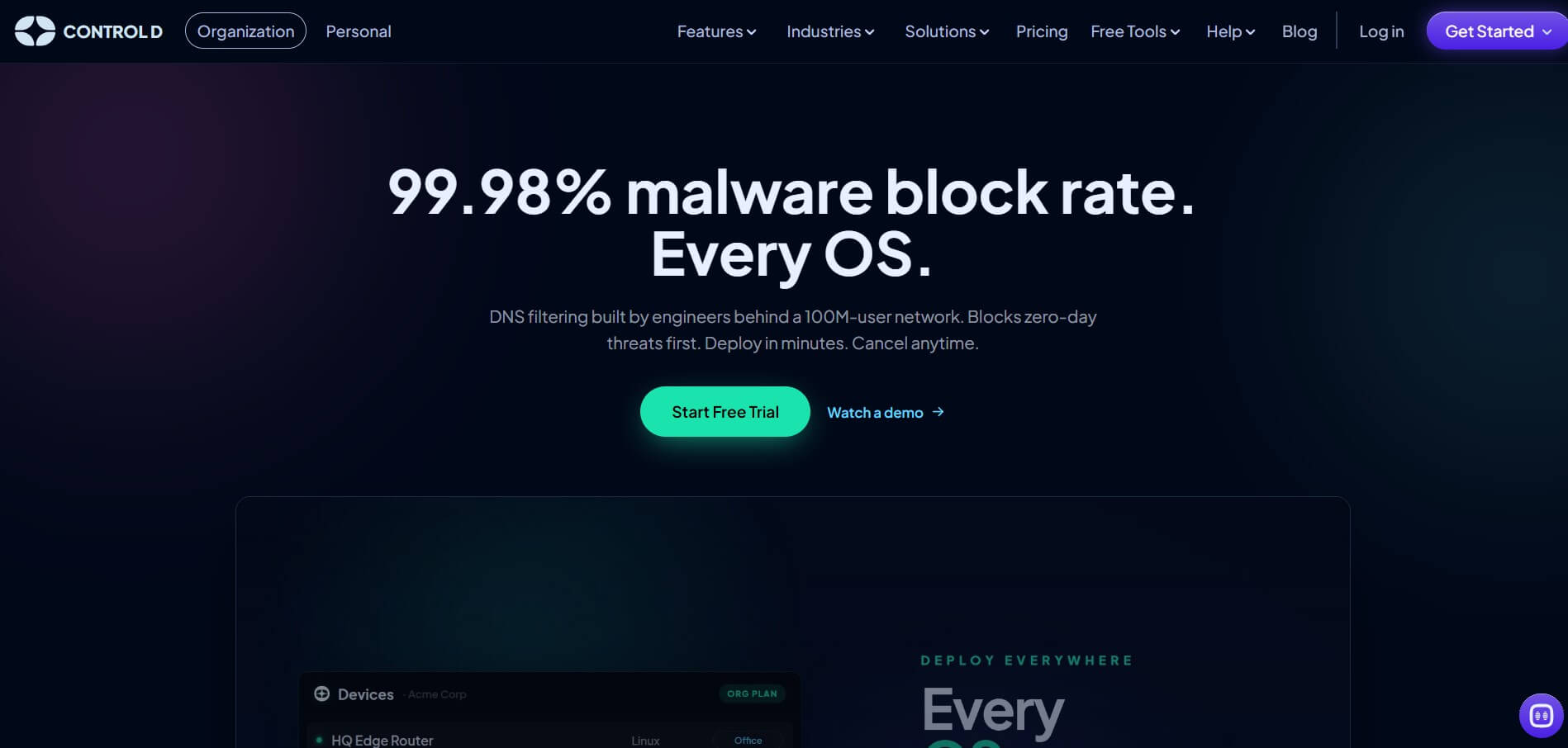
Control D is a comprehensive DNS solution built for everyone, from individual users to educational institutions and large enterprises. It’s easy to deploy and works on every major OS, including Windows, Mac, Linux, iOS, and Android.
Through its customizable filtering categories, users can set tailored rules for their team or family members based on specific online behavior and usage patterns, backed by real-time analytics and detailed DNS query statistics.
To ensure strong privacy alongside traditional DNS filtering, Control D supports modern encrypted protocols, including DNS-over-HTTPS (DoH), DNS-over-TLS (DoT), DNS-over-QUIC (DoQ), and DNS-over-HTTP/3 (DoH3).
Its large set of advanced features intended for both homes and offices makes it one of the top NextDNS alternatives:
Pricing: Control D offers a 14-day free trial so you can test its DNS filtering features before committing. Beyond the trial, pricing is tailored to your organization type and industry. SMB teams, for example, can start at $2 per endpoint per month, and personal plans for home/family use start at $3/month. This flexible model sets Control D apart from NextDNS, where the core feature set stays the same regardless of the plan or organization type.
Industries: Personal users, Schools, Non-profits, Startups, SMBs, Enterprises
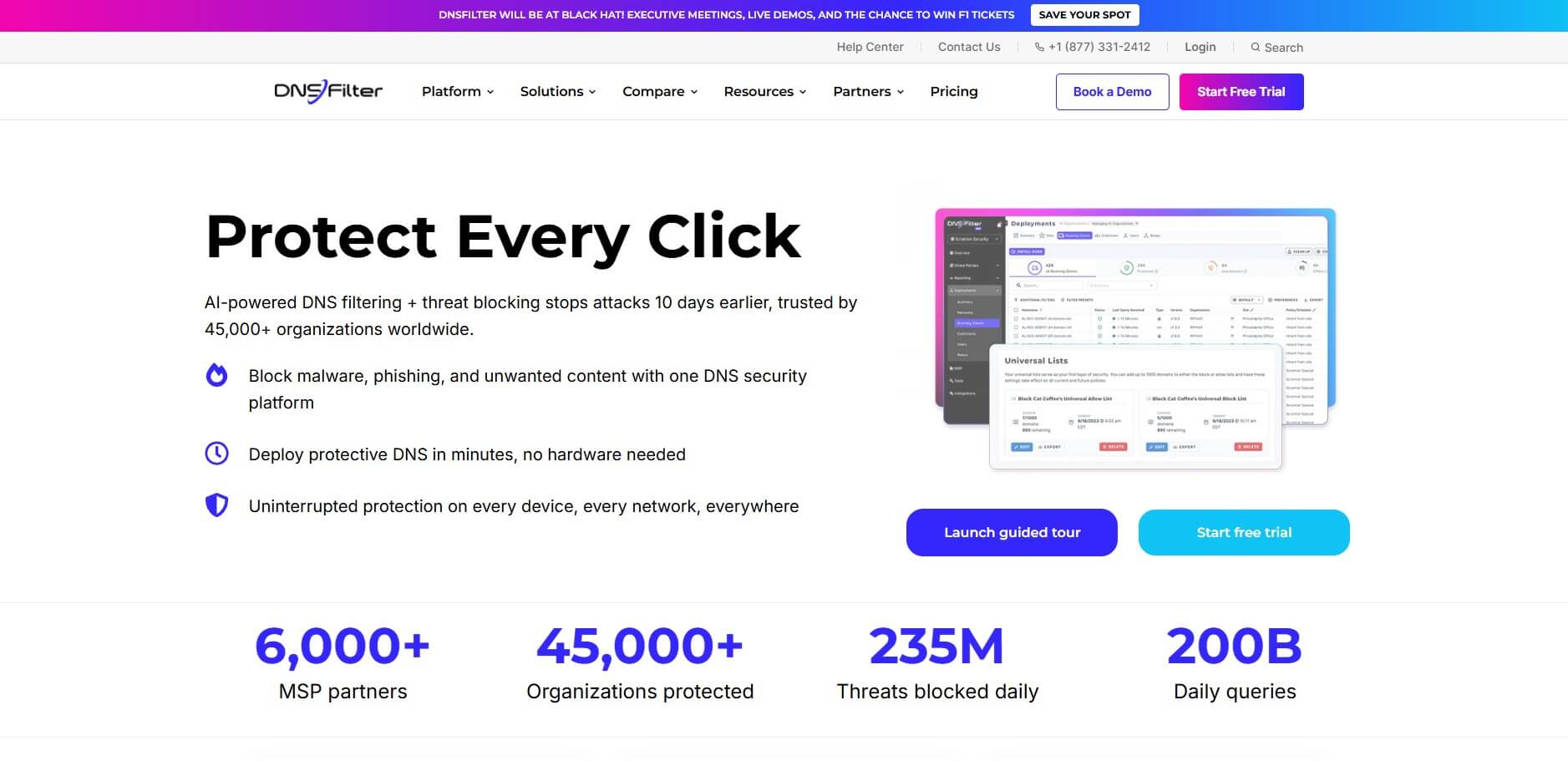
DNSFilter is an AI-powered DNS filtering service provider that helps in blocking threats, malware, phishing, and unwanted content before a connection is made to the unwanted site.
It uses machine learning to detect threats and websites by checking every DNS request against security and content policies, and offers content filtering, reporting, and analytics, and remote protection for devices both on and off the network.
It deploys quickly without requiring extra hardware and works across devices and locations.
DNSFilter’s Key Features include:
Pricing: The Basic plan starts at $1.15/license billed monthly, with the Pro and Enterprise plan adding additional core features. Each tier also carries a monthly minimum spend, which can raise the real cost for smaller teams. DNSFilter offers separate pricing plans for MSPs, Educational institutions, and public Wi-Fi providers, which again makes the feature set and pricing more tailored.
Industries: Enterprises, Education, Healthcare, Government
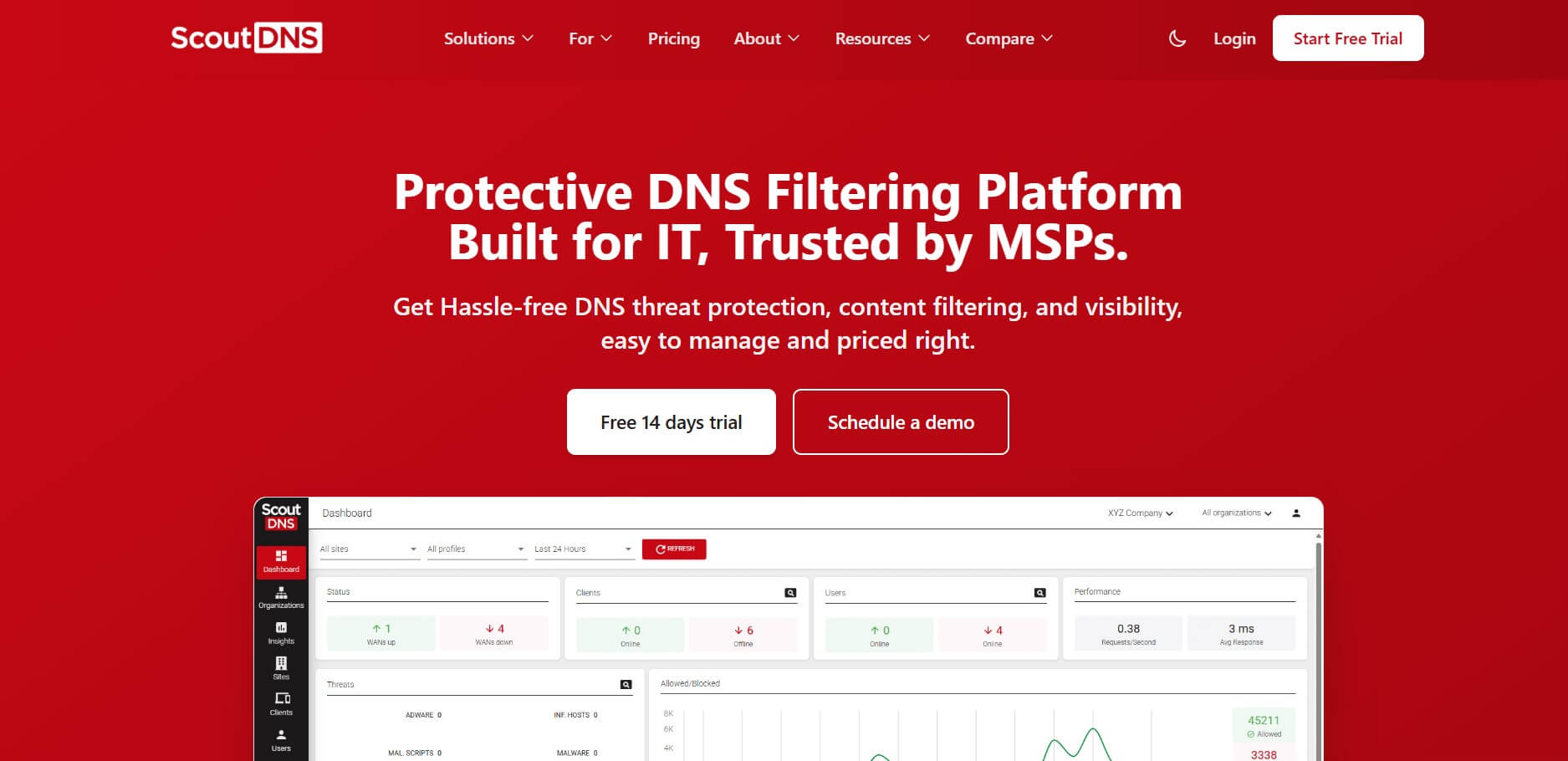
The last worthy NextDNS alternative is ScoutDNS, a protective DNS filtering platform that uses AI-powered threat protection to block malware, phishing, and other unwanted content. It offers fast, client-based setup that takes just minutes to complete, along with real-time visibility into DNS queries and network activity.
Key Features by Scout DNS:
Pricing: Scout DNS offers separate paid plans for Commercial, Non-profit, Educational, and MSP customers, with Commercial pricing starting at $0.92 per seat/ per month.
Industries: Enterprise, Government, Non-profit, Retail, Education, Small Businesses.
Having limitations doesn’t make NextDNS a bad provider.
It’s still widely used, and many users remain satisfied with what it offers. But exploring alternatives can be a smart move, since you might find a tool that fits your needs even better.
If you’re ready to start testing, Control D is a great first stop, offering an unmatched feature set at its price, enhanced customization, flexible integration, and tailored pricing.
Take Control of Your Privacy Today!
Unblock websites, access streaming platforms, and bypass ISP monitoring.
Get FastestVPN
© Copyright 2026 Fastest VPN - All Rights Reserved.
Don’t Miss out this deal, it comes with Password Manager Free of cost.