


Get
93% Off!
on Lifetime Exclusive Deal
Don’t Miss out this deal, it comes with Password Manager Free of cost.

Entering a single payment detail or typing out a username on a mobile gaming app, a growing number of players stop for a second and ask a simple question: is this connection actually private?
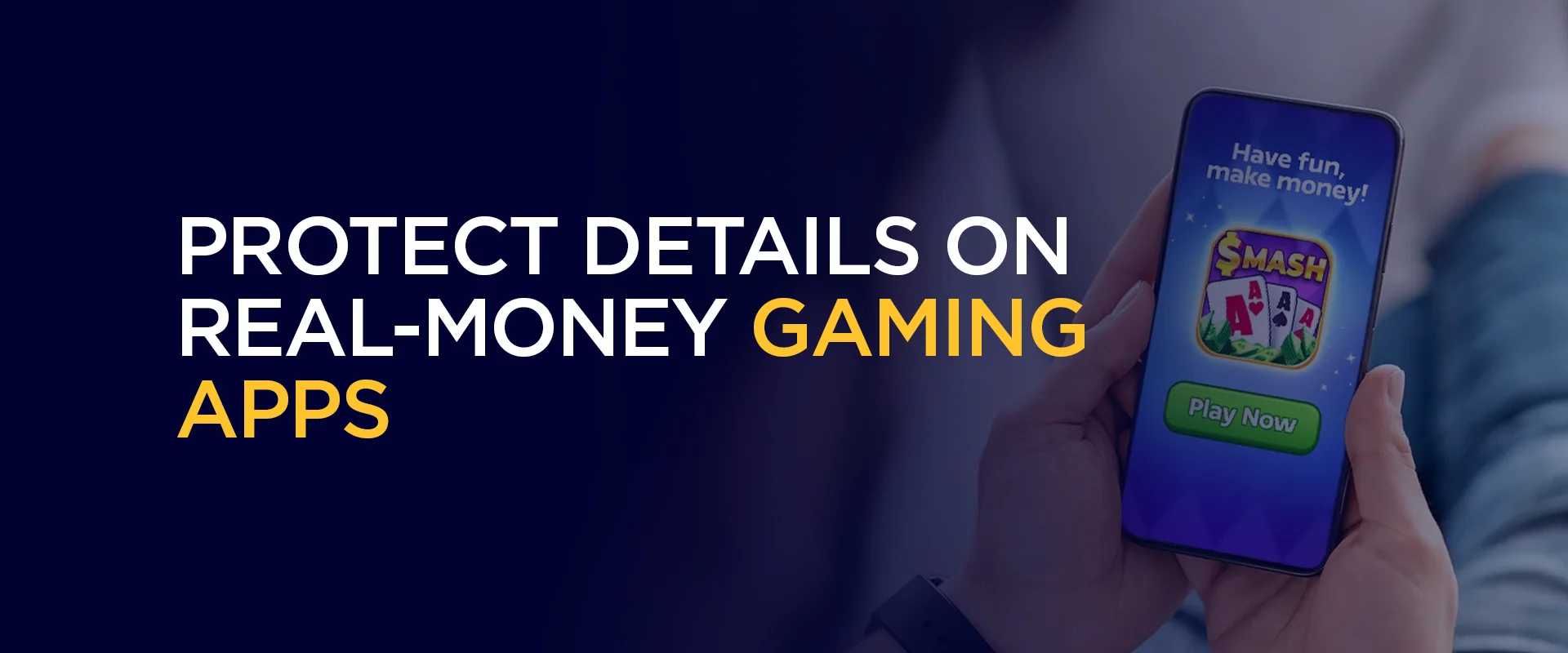
It sounds like a tiny thing, but it reflects a bigger shift in how everyday internet users think about security. The same crowd that uses a secure VPN to stream Netflix on hotel Wi-Fi or to share files over P2P safely is now applying that mindset to the apps where money actually changes hands.
That instinct makes a lot of sense once you look at how these entertainment apps are built today.
The market has moved fast, and review hubs now rank the top US-focused mobile casino apps for real-money play, comparing browser-based versions against dedicated Android downloads, weighing welcome offers like the 410% deal that put Raging Bull Slots at number one, and breaking down which payment methods get money in and out the quickest.
For anyone funding an account on one of these apps, the appeal is obvious: quick access, generous bonuses, and the convenience of playing from a phone.
But every one of those features depends on a user handing over login credentials and payment information, which is exactly why the privacy-minded crowd treats encryption and password hygiene as non-negotiable before they ever tap “deposit.”
Picture someone topping up an account from a coffee shop, or during a layover, or on the couch using a network the building manager set up years ago. Public and semi-public Wi-Fi is convenient, but it’s also where data can get intercepted if the connection isn’t protected.
This is the bread and butter of VPN territory. A solid VPN running a modern protocol like WireGuard wraps that traffic in a private tunnel, so even on a sketchy airport network, the data moving between a phone and the app stays unreadable to anyone snooping nearby.
The point isn’t fear. It’s the same logic that makes people lock their car even in a quiet neighborhood.
Secure Wi-Fi browsing means the difference between sending payment details out in the open and sending them through a shielded channel. When real money and personal banking info are involved, that shield stops being a nice-to-have and starts being the baseline.
The phrase “256-bit AES encryption” shows up constantly in security marketing, and it’s worth understanding why it earns its reputation. AES, the Advanced Encryption Standard, is the encryption method governments and banks rely on to scramble sensitive data into gibberish that’s effectively impossible to crack without the key.
It’s not vendor hype either; it’s a published government standard, formally defined in FIPS 197, Advanced Encryption Standard (AES).
The “256-bit” part refers to the size of the key, and the number is staggering in practical terms. The possible combinations are so astronomically large that brute-forcing them would take longer than the age of the universe with current technology. When a reputable VPN advertises 256-bit AES, it means the tunnel protecting a user’s session is locked with the same caliber of encryption trusted for classified material.
For someone entering card numbers or wallet details into a fast-paying entertainment app, that’s the reassurance that matters. The app’s own security handles part of the equation, but the connection itself is where data can be most exposed. AES encryption closes that gap, turning a vulnerable stream of information into something no eavesdropper can make sense of.
Encryption protects data in transit. But there’s a second weak point that has nothing to do with Wi-Fi: the password itself. People reuse the same handful of passwords across dozens of accounts, and a breach on one forgettable site can hand attackers the keys to everything else, including any account tied to a payment method.
Security agencies have hammered this point for years. The guidance to use strong passwords that are long, unique, and unpredictable isn’t just box-ticking advice. A password like a recycled pet name plus a birthday is the digital equivalent of leaving a spare key under the doormat. The longer and more random the password, the harder it becomes for automated cracking tools to chew through it.
The trouble is that nobody can actually memorize a different sixteen-character random string for every account. That’s where the real-world solution comes in.
A password manager solves the memory problem in one stroke. It generates long, random, unique passwords for every account, stores them in an encrypted vault, and fills them in automatically when needed. The user only has to remember one strong master password. Everything else lives behind that single locked door.
Many of the better VPN and security suites now bundle a password manager alongside features like ad-blocking and malware protection, which means the same subscription can cover several layers at once.
For someone juggling a streaming login, a banking app, and a real-money entertainment account on the same phone, that consolidation is genuinely useful. Multi-device protection ties it together, so the laptop, the tablet, and the phone all share the same shielded setup.
None of this requires being a tech expert. It comes down to three quiet steps: switch on a VPN with 256-bit AES before connecting, let a password manager handle the credentials, and keep every device covered under one security umbrella. Do it once, and it becomes muscle memory, the same way buckling a seatbelt does.
The people adopting this routine aren’t paranoid. They’ve simply noticed that convenience and security don’t have to be a trade-off.
Fast access and tight protection can coexist, and the few seconds it takes to set things up properly buys a lot of peace of mind before the fun even starts.
Take Control of Your Privacy Today!
Unblock websites, access streaming platforms, and bypass ISP monitoring.
Get FastestVPN
© Copyright 2026 Fastest VPN - All Rights Reserved.
Don’t Miss out this deal, it comes with Password Manager Free of cost.