


Get
93% Off!
on Lifetime Exclusive Deal
Don’t Miss out this deal, it comes with Password Manager Free of cost.

Ever sent a message and got nothing back? No reply. No “Delivered.” Just silence. At that moment, one question hits your mind: Was I blocked on iMessage? It’s a common worry. And honestly, it can feel confusing.
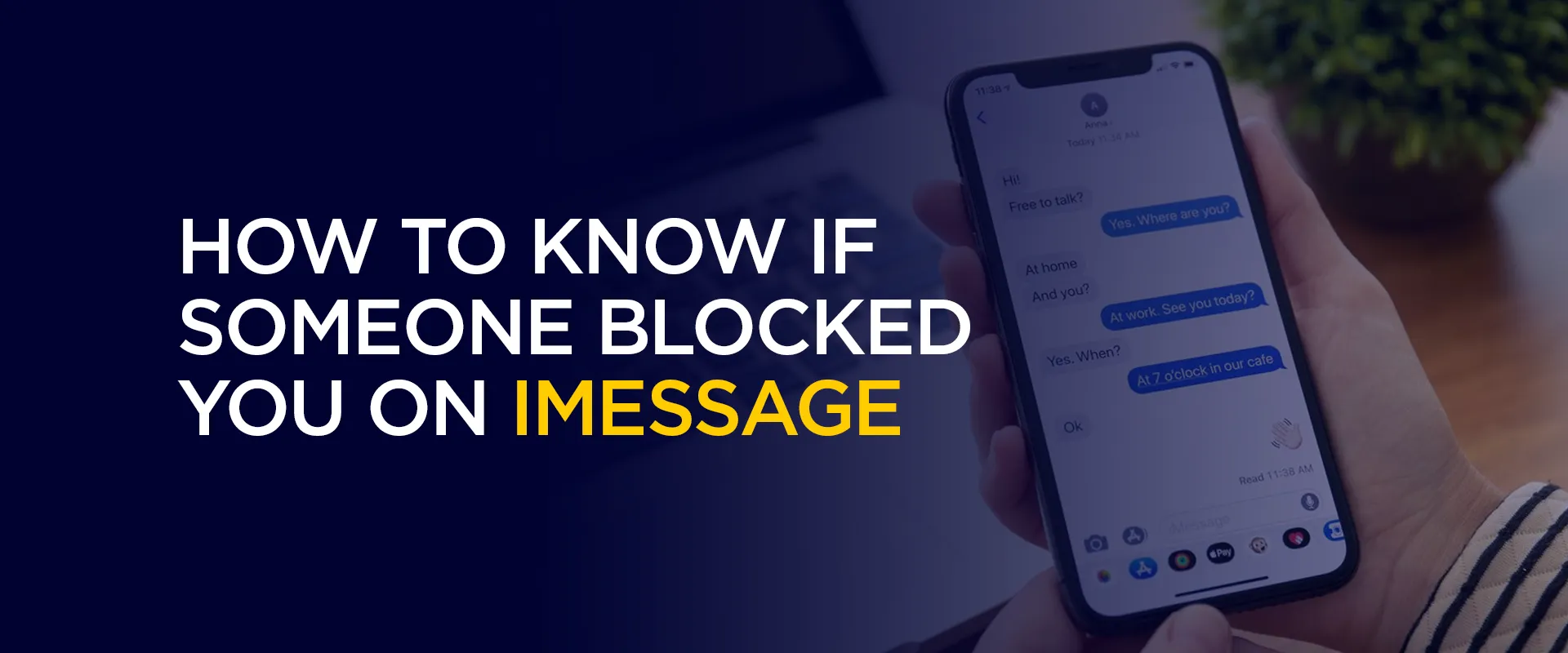
The tricky part is this. Apple does not tell you if someone blocks you. There is no alert saying “this user has blocked you iMessage.” So what can you do? You look for signs. Let’s break it down in the simplest way possible.
Yes, they can. If someone blocks your number on their iPhone, a few things happen quietly.Your messages stop reaching them. Your calls don’t go through normally. Even FaceTime won’t connect. But you won’t get notified.
That’s why people search things like: can someone block you on iMessage And the answer is clearly yes.
Here are some practical signs that will help you determine whether they have blocked you.
This is the first thing to check. Normally, when you send a message, you see “Delivered” under it. Now imagine this. You send a message. No “Delivered” shows up.
That’s a red flag. If your older chats had “Delivered” but new ones don’t, it feels odd. This is one of the strongest signs you are blocked on iMessage. But wait. It’s not always blocking. It could also mean:
So don’t decide too quickly.
Here’s another simple clue. iMessages are blue. Regular SMS messages are green. If your messages suddenly turn green, you may start thinking: how to tell if your blocked on iMessage? This change can happen when:
So yes, it’s a sign. But not a final answer.
Some people keep read receipts on. That means you can see when they read your message. Now suddenly:
This can make you wonder again: was I blocked on iMessage? It could be a sign. But again, they might have just turned read receipts off. So take it as a clue, not proof.
Try calling them. If this keeps happening, notice the pattern. The call rings once.
Or doesn’t ring at all. Then goes to voicemail. This is often linked to blocking. But here’s the thing. It can also happen if:
So don’t rely on just this one sign.
You can try FaceTime too. If your call doesn’t connect or keeps failing, it might mean something.
Blocking affects:
So if all three stop working, it starts to make sense.
Now look at the bigger picture. Are they replying anywhere else? Check apps like:
If they are active there but ignoring you, it adds to the doubt. This helps you think clearly about:
was I blocked on iMessage or just ignored?
This is about consistency. You send one message. Then another. Then maybe one more. Still:
Days pass. That’s when multiple signs you are blocked on iMessage start adding up. One sign alone means nothing. But many together tell a story.
Let’s be honest here. If you are searching: how to tell if your blocked on iMessage You should know this. There is no 100% method. Apple keeps this private on purpose. So you can only guess based on behavior. Not confirm it.
Things That Look Like Blocking (But Aren’t)
Before you panic, check these possibilities. Maybe their phone is off. Maybe they have no internet. Maybe they changed phones. Maybe iMessage is disabled. All of these can create the same signs. So always double-check.
Here’s what to watch for: Your messages don’t say “Delivered.” They turn green instead of blue. No read receipts. Calls go to voicemail. FaceTime doesn’t work.
No replies anywhere. If you notice many of these together, then yes… There’s a strong chance.
If you feel like: this user has blocked you iMessage Pause for a moment. Don’t spam messages. Don’t keep calling again and again. Give it space. Sometimes, people are just busy.
Sometimes, they need time. And sometimes, yes… they may have blocked you.
So, how to know if someone blocked you on iMessage?You look at patterns. Not just one sign. Watch message status. Notice call behavior. Check consistency. That’s how you figure it out. But always remember one thing. No reply does not always mean rejection.
Take Control of Your Privacy Today!Unblock websites, access streaming platforms, and bypass ISP monitoring.
Get FastestVPN
© Copyright 2026 Fastest VPN - All Rights Reserved.
Don’t Miss out this deal, it comes with Password Manager Free of cost.
