


Get
93% Off!
on Lifetime Exclusive Deal
Don’t Miss out this deal, it comes with Password Manager Free of cost.

Do you want a full copy of everything TikTok knows about you? Learning how to download TikTok data is simple and smart. Many people download TikTok data to keep a backup of their videos, likes, comments, and more. It helps you stay in control of your info.
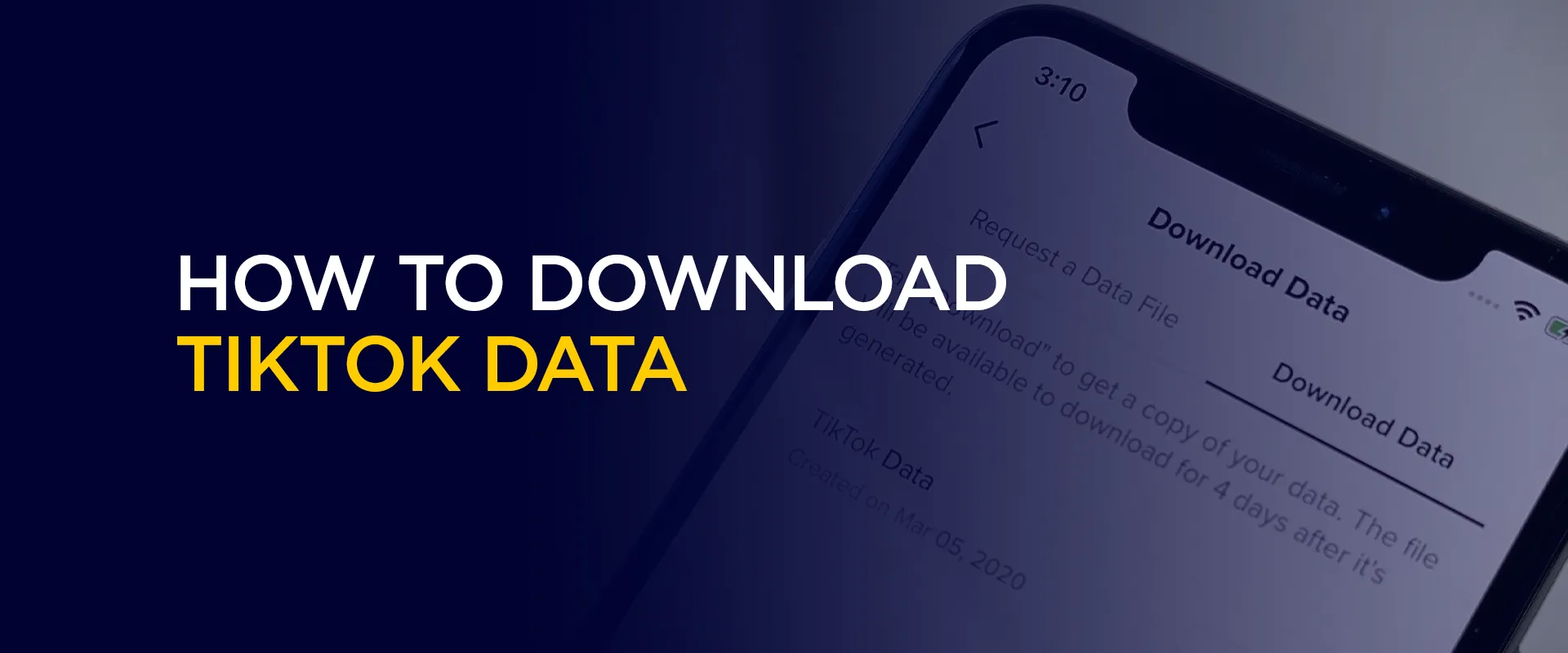
TikTok gathers much data about your profile. Downloading the data on TikTok results in the receipt of a file that contains personal information. This is how it is officially done at TikTok. No need for risky apps. Just follow the steps on your phone or computer. It takes only a few minutes to start.
Why do this now? TikTok changes fast. Some places have rules about the app. Getting your data gives you peace of mind. You can save memories, check your privacy, or move to another app.
Note: Download TikTok data in minutes using official steps. Connect to FastestVPN first for a secure and private download.
TikTok data refers to all the data that the app retains concerning your account. As you download the TikTok data, the zip file is full of information. It includes your username, profile picture info, videos you posted, videos you watched, likes, comments, favorites, followers, and even direct messages.
Here are the reasons to download TikTok data today:
The file comes in two easy formats. TXT is like a plain text book. Open it and read. JSON is for tech users who want to sort data in programs. Most people pick TXT because it is simple.
You get a lot in one file. Account info has your email, phone, and join date. The video section lists every post you made with links. Activity log shows likes, shares, and search history. Watch history gives URLs of thousands of videos. Messages include chats you sent and received.
New users get their file fast. Long-time users with years of scrolling wait a bit longer. But the wait is worth it. Once you have the file, you can open it anytime. Save it on a USB or cloud drive for safety.
Many people feel surprised when they see the full file. I did not know TikTok saved all this, they say. That is why TikTok download data is popular. It gives you power back.
The easiest way for most people is on the TikTok app. It works on Android and iPhone. Make sure you have the latest app version. Here is the full guide on how to download TikTok data on mobile.
Step 1: Open the TikTok app and log in. Tap the Profile icon at the bottom right. This is your picture or avatar.
Step 2: Tap the three-line menu at the top right. It looks like a small list.
Step 3: Choose Settings and privacy from the menu.
Step 4: Scroll and tap Account.
Step 5: Look for Download your data and tap it.
Step 6: You see two tabs. Request data and download data. Stay on Request data.
Step 7: Pick what you want. TikTok lets you select all or custom parts. For the first time, choose all. It is simple.
Step 8: Choose file format. Pick TXT for easy reading or JSON if you like tech files.
Step 9: Tap Request data. Confirm if asked.
That is it. TikTok starts making your file. You will get a notification when ready. Go back to the same place and tap the Download data tab to see the status when it says ready, tap Download.
You do not need the phone app. TikTok download data works on a computer, too. This is great if the app is not installed, or you prefer a big screen.
Step 1: Open any browser like Chrome, and go to www.TikTok.com.
Step 2: Log in with your account. Click Log in at the top right.
Step 3: Click your profile picture at the top right.
Step 4: Choose Settings.
Step 5: In settings, look under the ” Manage account or Account section for Download your data.
Step 6: Same as app. Choose data, format, and request.
Step 7: Once the request has been made, refresh the page, and you can see the status of the download in the Download section.
When ready, click Download. The zip saves to your Downloads folder.
This is a top question: how long does it take to download TikTok data?
The answer depends on your account. TikTok needs time to collect and pack everything.
For new accounts with few videos and likes: ready in minutes or 1 to 2 hours.
For normal users with 6 months to 1 year: often 4 to 24 hours.
For heavy users with years of activity, thousands of likes, and many videos: 1 to 4 days.
TikTok says it may take a few days. They send a push notification when done. You can check the status anytime in the Download data tab.
The file stays ready for only 4 days. So check daily after the request. Download as soon as you get the alert.
Processing is time-consuming, and the past 24-48 hours of activity may be missed. If you need recent stuff, request it again after downloading.
Most people get their TikTok download data within 48 hours. Be patient. It is worth the short wait.
If after 4 days, nothing, cancel and request again. Or contact TikTok support through the app.
When the zip opens, you see clear folders. Here is what to expect.
The TXT file reads like a book. Scroll downthe sections. JSON has the same info, but in code format for computers. For creators, this file is gold. You seethe exact performance of old videos.
Additionally, open the file on the computer for the best view. Search words like comment to find specific parts. Save the zip in two places. Computer and external drive. This is your personal archive.
Just open the app or site, go to Profile, then Settings and privacy, then Account, then Download your data. Pick options and request. It is super easy and takes less than two minutes. You do not need any special tools or apps. This official method keeps everything safe and private. Many people do it every few months to keep fresh copies of their activity. It depends on your account size. Small accounts with little activity get the file in minutes or up to 2 hours. Normal accounts take 4 to 24 hours. Heavy users with years of videos and likes may wait 1 to 4 days. TikTok sends a notification when ready. The file link stays active for only 4 days, so check often. Most users receive their data within 48 hours without any issues. It has yourvideos list with dates and views, all the likes you gave, comments you wrote, full watch history with video links, following and follower lists, direct messages, search history, and account details like email and join date. The TXT version is easy to read like a book. You can search inside to find old posts or chats quickly. This complete package helps you back up everything in one place. Yes, you can. Log in at TikTok.com on any browser, click your profile, go to Settings, and find Download your data. The steps are almost the same as on the phone. A desktop is better for big files because you have more space. You can open the TXT files right away in Notepad. Many people prefer a computer when their account has thousands of videos. Yes, it is completely free and 100 percent official from TikTok. No hidden costs ever. For extra privacy during the processs use FastestVPN to protect your connection. The file only includes your own data and nothing risky. After download keep it in a safe folder on your computer or external drive so no one else can see your personal info. Wait the full 4 days first, then cancel the request and make a new one. Update your app to the latest version or try the website version. Make sure you have good internet and enough phone storage. If still stuck, contact TikTok help inside the app. Most problems are fixed with a simple restart or update. Thousands of users request data every day, so support knows how to help quickly. How do I start to download TikTok data?
How long does it take to download TikTok data?
What does the TikTok download data file include?
Can I download TikTok data on a computer?
Is it free and safe to download TikTok data?
What if my request takes too long or fails?
Now you know exactly how to download TikTok data from start to finish. This process puts you in full control of your memories and information on the app. Follow the easy steps on your phone or computer, wait for the ready notification, and enjoy your personal archive.
Take Control of Your Privacy Today! Unblock websites, access streaming platforms, and bypass ISP monitoring.
Get FastestVPN
© Copyright 2026 Fastest VPN - All Rights Reserved.
Don’t Miss out this deal, it comes with Password Manager Free of cost.
