


Get
93% Off!
on Lifetime Exclusive Deal
Don’t Miss out this deal, it comes with Password Manager Free of cost.

Thinking about quitting Threads? You’re not the only one. A lot of us jumped on it for quick chats but now feel like it’s just another thing eating up our time and peace of mind. The best part? You can delete or deactivate your Threads account without touching your Instagram at all. No drama, no losing your photos or followers there.
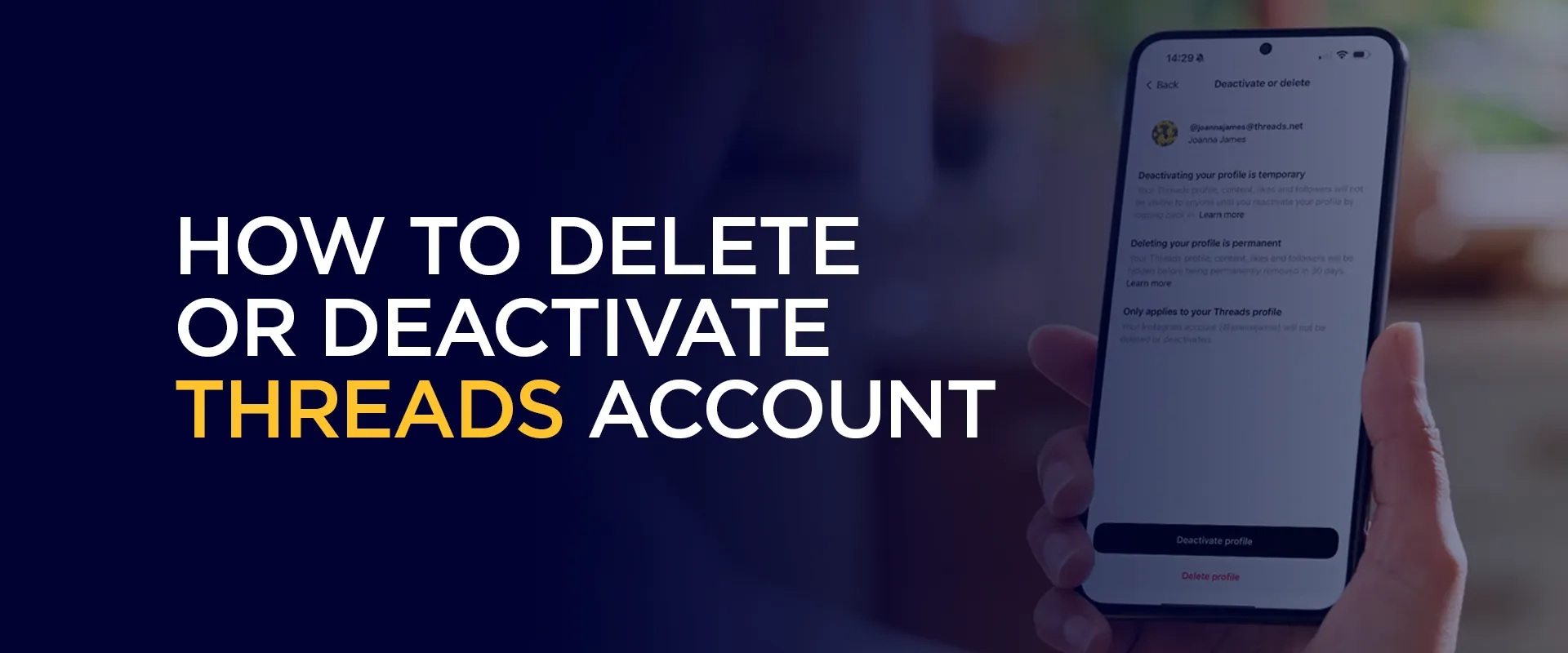
In this easy guide, I’ll walk you through everything step by step. Whether you want a short break (deactivate) or a clean goodbye (delete), I’ve got you covered.
Lots of people are leaving Threads these days. It started as something fun, but many soon felt tired of it.
Here are the most common reasons:
First, too many notifications. The constant pings and endless threads can feel overwhelming. It steals your focus and drains your energy.
Second, screen time. People want to spend less time scrolling. Threads adds one more app fighting for attention. Many prefer real life over more online chatter.
Third, privacy worries. Threads is from Meta, the same company behind Instagram and Facebook. Some users don’t like how much data it collects. They feel safer with fewer apps tracking them.
Fourth, mental health. Endless debates, negative comments, and pressure to reply can affect your mood. A growing number of people are choosing peace over participation.
Fifth, loss of interest. The excitement fades after a few weeks. What felt fresh at the start now feels like just another place to waste time.
Some users also deactivate when they need a short break. They want to disappear for a while without losing everything permanently.
Whatever your reason, it’s okay. You don’t need a big explanation. If Threads no longer adds value to your day, it’s fine to step away.
Before you do anything, let’s keep it simple. You have two clear choices.
Deactivate means taking a break.
Delete means saying goodbye for good.
Your Instagram account stays completely safe in both cases. Nothing happens to your photos or followers there.
Many people start by deactivating first. They test how it feels, then delete later if they’re happy with the decision.
Do a few quick checks before you begin. It will make things much smoother.
Deactivating is quick and reversible. Here’s exactly what to do:
Once deactivated, your profile disappears from searches and other users’ feeds. When you’re ready to come back, just open the app and log in normally. Everything should reappear as it was.
Ready for a clean break? Follow these steps carefully:
You’ll be logged out immediately. During the next 30 days, you can still log back in to cancel the deletion if you change your mind. After that, your Threads profile is permanently gone, posts, likes, followers, everything.
Some users report seeing “Delete profile” directly under Account settings in the Threads app. If the menu looks a bit different, search inside the app for “Deactivate or delete”, it should lead you to the same place.
Your data doesn’t vanish from Meta’s backups instantly, but for everyday users, the profile is effectively gone.
Yes! That's been possible for a while now. The steps above keep your Instagram safe. Make sure your app is updated. Try searching "delete" or "deactivate" in the app's search bar. If still stuck, check Instagram's Help Center or restart the app. Deleting reduces your digital footprint on Threads. If you're extra concerned, you can also request a data download before deleting (look in Accounts Center > Your information). No automatic notification. Your profile just stops appearing. It's easiest and most reliable on the mobile app. Desktop options might redirect you back to the app. If something looks different on your phone (menus change occasionally), the core path is always: Profile → Menu → Accounts Center → Personal details → Account ownership and control → Deactivation or deletion. FAQs- Delete or Deactivate Threads Account
Can I delete Threads without deleting Instagram?
I don't see the delete option. What now?
What about my data and privacy?
Will my followers get notified?
Can I do this on a desktop?
At the end of the day, deleting or deactivating Threads is all about taking back a little bit of your time and peace. Whether you’re just stepping away for a while or closing the door for good, it feels pretty good to make a choice that works for you.
Go at your own pace, save anything important first, and don’t overthink it. And if privacy is a big reason you’re leaving, pairing this cleanup with a reliable VPN like FastestVPN can give you even more confidence when using the internet.
Take Control of Your Privacy Today! Unblock websites, access streaming platforms, and bypass ISP monitoring.
Get FastestVPN
© Copyright 2026 Fastest VPN - All Rights Reserved.
Don’t Miss out this deal, it comes with Password Manager Free of cost.