


Get
93% Off!
on Lifetime Exclusive Deal
Don’t Miss out this deal, it comes with Password Manager Free of cost.

This guide is all about installing the TiviMate IPTV player on Firestick/Android. Currently, TiviMate IPTV Premium is the best IPTV player for Android devices. TiviMate lets you stream TV by integrating playlists from your preferred IPTV service providers. The only caveat is that it is not officially available on the Amazon App Store. But don’t worry! This blog will provide all the information you need to download Tivimate on Firestick. Let’s start with what TiviMate is and what you can do by setting it up on your device.
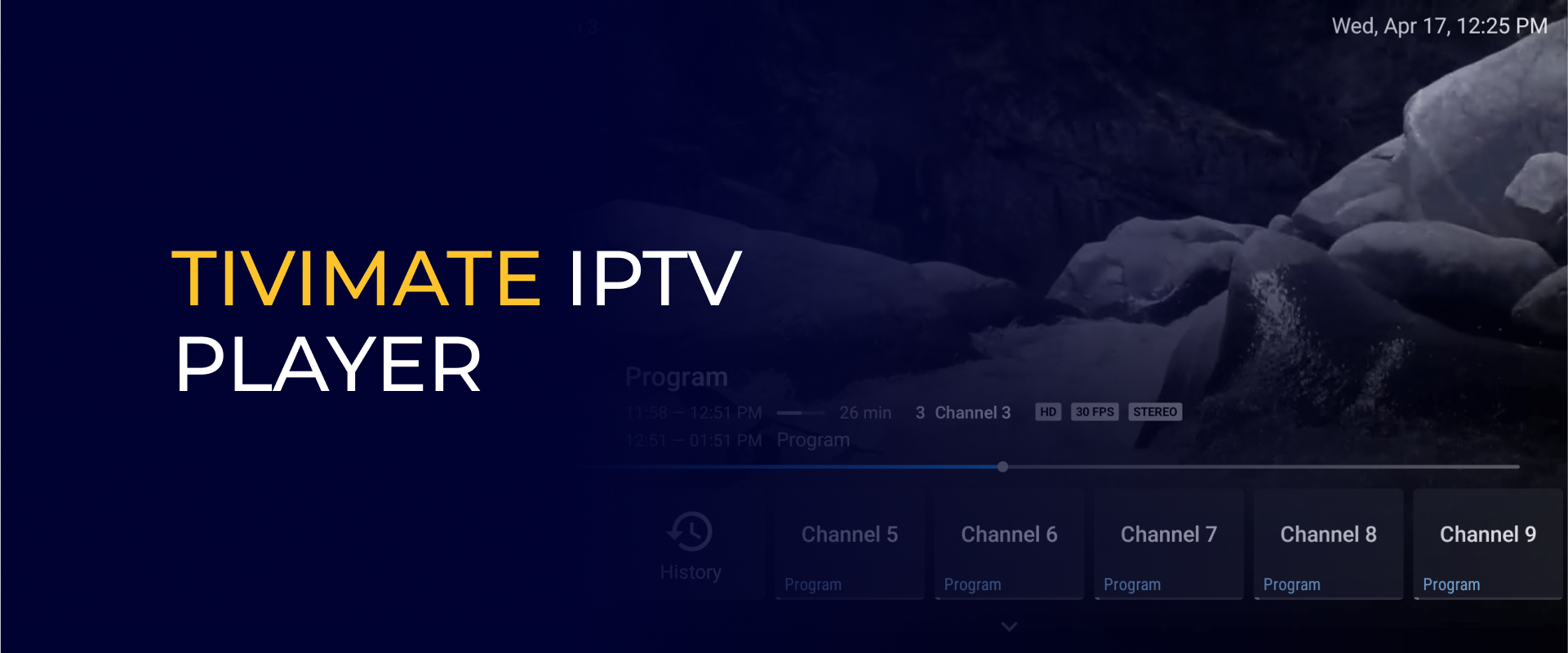
TiviMate is a well-known IPTV player app designed for Android TV and mobile devices. It offers a seamless streaming experience for live TV channels and on-demand content from IPTV service providers. TiviMate has become a favorite among IPTV users because of its user-friendly interface and smooth performance. It also has powerful features like playlist management, electronic program guide (EPG) support, catch-up TV, multi-screen viewing, and the ability to record live TV. Its broad compatibility with various IPTV services and intuitive design have contributed to its growing popularity.
When you install TiviMate on Firestick, you get access to awesome features that make streaming even better. Not only can you watch live TV, but you’ll also find tons of free movies and shows to enjoy. Here are some cool features you’ll love:
With TiviMate on Firestick, you get a top-notch IPTV streaming experience with everything you need for endless entertainment!
Before you install TiviMate on Firestick, keep these essential points in mind for a smooth setup and optimal streaming experience:
Following these steps will help you seamlessly install and enjoy TiviMate on Firestick with the best possible experience!
TiviMate is not officially available on the Amazon App Store. Users can opt for sideloading apps to install applications on their respective devices. To sideload apps on your FireStick, first, you will need to get the Downloader app and set up your Firestick to sideload apps on it. You can search for the Downloader app on your Firestick home screen’s search bar and click to install it. After installing the Downloader app and setting up your Firestick to sideload apps on it:
I recommend deleting the APK file from your FireStick since it’s no longer needed after installing the app. In general, it’s best to keep your FireStick free of unnecessary files and media. Running low on storage can slow down the device and impact its performance.
TiviMate does not have any channels of its own, so now you need to enter your IPTV Service credentials into TiviMate for whichever IPTV Service you are subscribed to.
When you open TiviMate for the first time, you’ll see a setup screen. This is where you’ll enter your IPTV subscription details. Simply click on “Add Playlist” to get started.
Once you click on Add Playlist, you will see the following screen below. You will have three options where you can enter your IPTV Service credentials: M3U playlist, Xtream Codes or Stalker Portal Depending on your IPTV Service Provider, you will select one of these options to load in your channels.
If your IPTV Service directions have an Xtream Codes API login to use, go ahead and click on Stalker Portal.
TiviMate Companion is an Android app that lets you manage, renew, or activate your TiviMate Premium subscription. It’s mainly for those using TiviMate on FireStick or other Android devices. Once activated, your subscription will apply to all devices linked to the same Google account.
Don’t have an Android device? No problem! You can still access TiviMate Premium by using BlueStacks, a free Android emulator that lets you run Android apps on your PC or Mac.
Follow these steps to install the TiviMate Companion app on Android to manage your premium account:
Once you’ve subscribed to TiviMate Premium on your Android device, activating it on your Fire TV Stick is easy. Just follow these steps:
That’s it! Once activated, you can enjoy all the premium features and have a smooth streaming experience with TiviMate.
Yes, TiviMate is completely safe and legal to use. It is just a media player that lets you stream content, like movies, sports, and music. It oesn’t host any content itself. However, you have to be careful about the legality of the IPTV service you are using. If your service offers copyrighted content without proper authorization, then it is illegal.
To stay on the safe side, always ensure your IPTV service is legitimate. Avoid purchasing subscriptions from unverified or suspicious sources, especially those offering services at extremely low prices or using questionable payment methods. Additionally, low-quality content might indicate that the IPTV service is unauthorized.
TiviMate itself is completely safe to use. However, if you’re uncertain about the legality of your IPTV service or if it falls into a gray area, it’s best to stay protected by using a VPN like FastestVPN. Since your ISP can monitor your online activities, they may throttle your internet speed or block certain content if they detect free streaming. By using FastestVPN, you can keep your identity anonymous, safeguard your data, and bypass regional restrictions—allowing you to access content freely and securely from anywhere in the world.
To set up FastestVPN on TiviMate, follow these steps:
Once installed, FastestVPN will run on your Firestick, ensuring privacy and security while streaming IPTV content.
Yes! TiviMate is just an IPTV player, not a streaming service, so it’s completely legal to use. But if you stream unauthorized content, you could run into legal issues. To get TiviMate Premium, start by downloading the TiviMate Companion app from the Google Play Store on your Android phone. Then, create a free account through the TiviMate app on your Android TV. After that, log into the Companion app, follow the instructions, and complete your purchase. Yes, you can use the basic version for free, but some advanced features require an in-app purchase to unlock. FAQs- TiviMate IPTV Player
Is TiviMate legal?
How do I subscribe to TiviMate Premium?
Is TiviMate free?
That’s the only technique that allows you to install TiviMate IPTV Player on Firestick. As you already know the app is not available officially on the Amazon App Store, so you need to work a little yourself. Get the downloader app by following above-mentioned steps, and install the TiviMate app hassle-free on your Firestick device. If you have something more to say then do comment in the box below.
Take Control of Your Privacy Today! Unblock websites, access streaming platforms, and bypass ISP monitoring.
Get FastestVPN
© Copyright 2026 Fastest VPN - All Rights Reserved.
Don’t Miss out this deal, it comes with Password Manager Free of cost.