
You can see how this popup was set up in our step-by-step guide: https://wppopupmaker.com/guides/auto-opening-announcement-popups/
How to Become a Typing Professional with Typing.com
Everyone knows how much time we spend hammering away at keyboards these days, whether it’s for work emails, school assignments, or just chatting online. That’s where typing.com comes into the situation. It’s a simple website that helps users get better at typing without all the hassle. You can jump into typing tests to check your speed, grab some typing practice to build habits, or follow typing lessons that guide you step by step.
Note: Just a heads up, while you’re at it, tools like FastestVPN can shield your online time, helpful if you’re posting scores or chatting in linked communities.
What is Typing.com
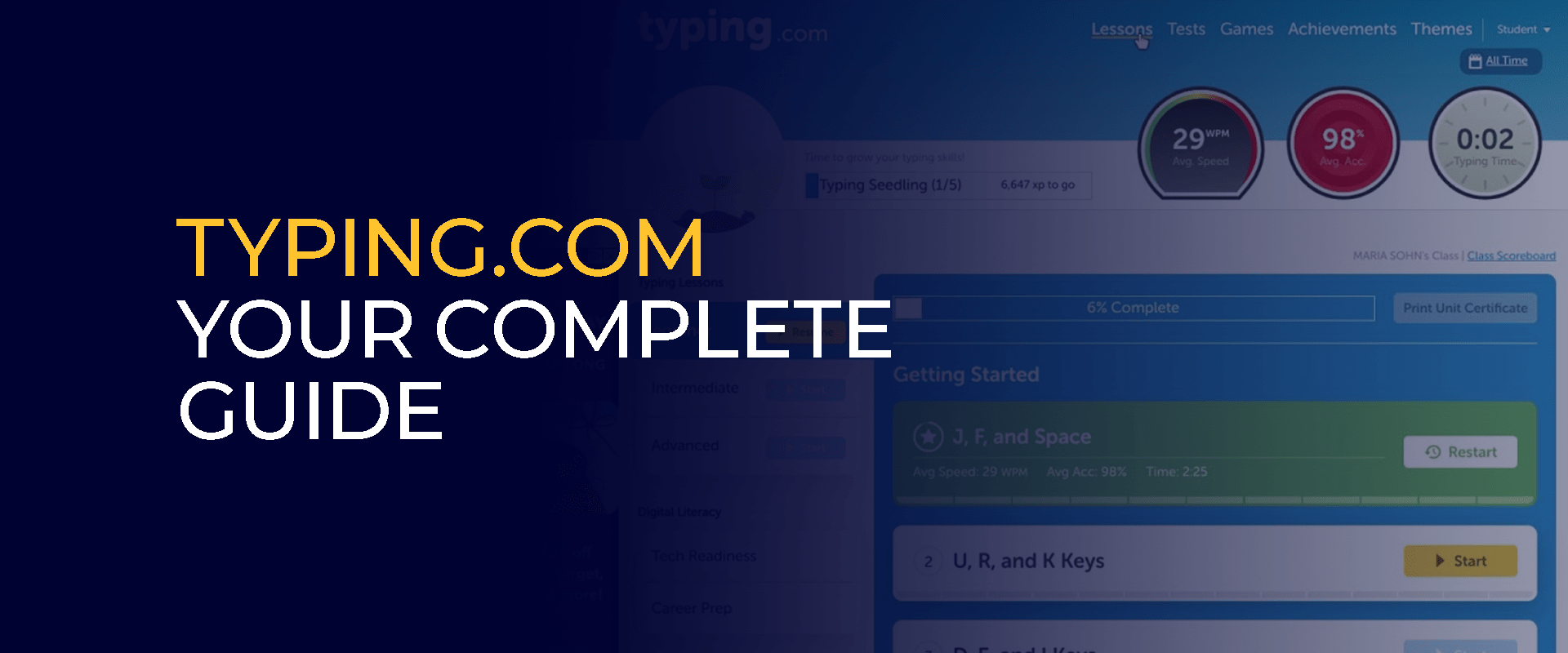
So, what exactly is typing.com? It’s basically an online spot dedicated to teaching touch typing, where you learn to type without staring down at your fingers. It started as a simple way to make typing education available to everyone, and now it’s a favorite for tons of users around the globe. The main idea is to focus on where your fingers go, how to pick up speed, and cut down on typos through hands-on activities.
What sets typing.com apart is how it adjusts to you. Sign up for an account, and it remembers where you left off, lets you set targets, and even has rankings to compete with others. Teachers love using typing .com in class because they can hand out typing lessons and keep tabs on how kids are doing. It’s perfect for adding tech skills to school programs.
From what I’ve seen, most people type around 40 words a minute, but sticking with typing.com can push that way higher pretty quickly. The fun parts, like earning badges or leveling up, turn it into something you actually look forward to. Kids get a kick out of it too, as it helps with coordination and boosts their confidence around computers.
Why Consider Typing Practice?
Putting in time for typing practice on something like typing.com pays off in ways you might not expect right away. For starters, it ramps up how much you get done in a day. Think about it: if you’re faster at typing, those long emails or documents don’t drag on forever, freeing up hours for other stuff.
Then there’s the health side. Getting your technique right means less chance of sore wrists or that nagging carpal tunnel from bad habits. Typing. .com stresses keeping your posture straight and spreading the work across all fingers, which keeps things comfortable over time.
On the brain front, doing typing tests sharpens your concentration and helps with juggling tasks. Your mind has to read, move fingers, and fix errors all at once. It’s like a workout for your head. Research from school studies links better typing to stronger grades, especially when it comes to essays or taking notes fast.
If you’re in a job hunt, solid typing skills can give you an edge. Lots of roles in data work, writing, or coding look for users who can hit high speeds. The typing practice on typing.com mimics real jobs, like copying from recordings or working against the clock, so you’re ready when it counts.
There are no clumsy moments when you are searching for keys in the process of an online meeting or a group text. In the case of individuals studying English, the typing lessons incorporate words and regulations within real sentences as they develop their language knowledge.
Best part? It’s all free, so no need to shell out for classes or programs. Typing.com reaches people everywhere, helping close gaps where tech education is spotty. But if you’re in a place with sketchy internet rules, FastestVPN can help you get around blocks for uninterrupted typing practice. Beyond that, regular practice builds your self-assurance. Nailing a new skill like this gives you a win that spills over into other areas, pushing you to try more things. I’ve noticed how people who stick with it end up more efficient overall, not just at typing.
How to Start Off Your Typing Lessons
Getting going with typing lessons on typing.com couldn’t be simpler, and the rewards come fast. Head over to typing .com, make a quick free account, and you’re set to track your advances, tweak plans to fit you, and unlock extra bits if you go premium. The lessons build on each other smartly. Kick off with the fundamentals, repeating patterns like “asdf jkl” to train your fingers automatically. Typing. .com shows colored guides and finger maps on screen, making it easy to follow visually.
Move up, and you’ll hit numbers, symbols, and uppercase stuff. Every section has short drills followed by tips on your pace, hits, and slip-ups. Say you keep messing up common words, the site throws them back at you to fix them.
You can tweak things to your taste, picking themes like nature or adventure to spice up the lessons. Aim for short daily goals, maybe 15 minutes of typing practice, and it’ll nudge you with reminders.
New users might tire out their hands at first, but the gradual pace on typing.com eases that. Watch your words-per-minute climb; from a slow 20, you could reach 50 in no time with steady work. For teachers, setting up groups means assigning tailored typing lessons and pulling reports on progress. The game-like feel keeps students hooked in class.
How to Do a Typing Test
One of the best parts of typing.com is the test, which lets you measure where you stand and pushes you forward. These mimic actual typing jobs, clocking you as you copy everything from easy lines to book passages.
To try one on typing.com, find the test area and pick your challenge level. A minute-long one is common, but longer ones test stamina. As you go, mistakes pop up in color, so you fix them on the spot. After, you get the breakdown: raw speed in words per minute, adjusted for errors, hit rate, and what went wrong. Hitting 60 net WPM at 95% right puts you ahead of the pack.
Doing typing tests often shows your growth. It saves your history and plots it out, highlighting ups and downs. Prep by loosening up with typing practice first. Avoid glancing down; stick to no-look exercises to break that.
In real life, these tests show up in hires or quals. Typing .com gears you up with field-specific content, like business lingo or tech terms. For kicks, send test links to buddies and race. Rankings add that extra drive to sharpen up. Prioritize clean over quick; better a solid 70 WPM than a sloppy 100. Use test feedback to circle back to tricky spots in typing lessons.
Tips for Top-Notch Typing
After nailing the starters on typing.com, some pro tips can take you further.
- Grab gear like angled keyboards or palm supports to handle marathon sessions without aches.
- To boost speed, mix quick bursts with slow, careful runs. Advanced parts of typing.com have timed hurdles with harder stuff, like scripts or non-English bits.
- Learn hotkeys like copy with Ctrl+C, switch apps with Alt+Tab to pair with your typing. During typing practice, try typing along to audio for multi-task practice.
- If you hit a wall, say at 80 WPM, drill one hand at a time on typing.com to even things out.
- A few deep breaths loosen you up for a better rhythm. Note what affects you, like too much coffee, jittering your keys during typing tests.
- Chat in typing .com groups for insider advice, from key tweaks to app links.
- Stick to it, 20 minutes a day beats random long hauls.
FAQs
Stick to daily routines with the guided typing lessons, building from simple to complex. Mix in typing tests to spot weaknesses and tweak your style. No, the basic typing.com is free, covering key typing practice, lessons, and tests. Upgrades remove ads and add more options. Yeah, they measure WPM and errors spot-on, following standard methods, so they're good for self-checks or job prep. For sure, it's designed with fun games and suitable material, letting young ones learn typing lessons and practice in an engaging way. Mostly English-focused, but typing .com slips in support for other tongues in some exercises, great for practicing diverse typing. What's the top way to boost typing speed using typing.com?
Does typing.com cost anything?
Are typing tests on typing.com reliable?
Is it good for kids?
Can you do typing.com in other languages?
Final Words!
In short, typing.com stands out as a must-try for sharpening those keyboard chops. With its typing tests, practice drills, and lessons, it touches every corner of digital daily life. No matter if you’re just starting or already quick, there’s always room to grow. Give typing.com a shot, and see your output jump. In our linked-up world, staying secure with FastestVPN can make your practice even better, guarding your path to typing excellence.
Take Control of Your Privacy Today! Unblock websites, access streaming platforms, and bypass ISP monitoring.
Get FastestVPN
Subscribe
0 Comments



