
You can see how this popup was set up in our step-by-step guide: https://wppopupmaker.com/guides/auto-opening-announcement-popups/
What is Plex TV? How Does It Work? (Complete Guide)
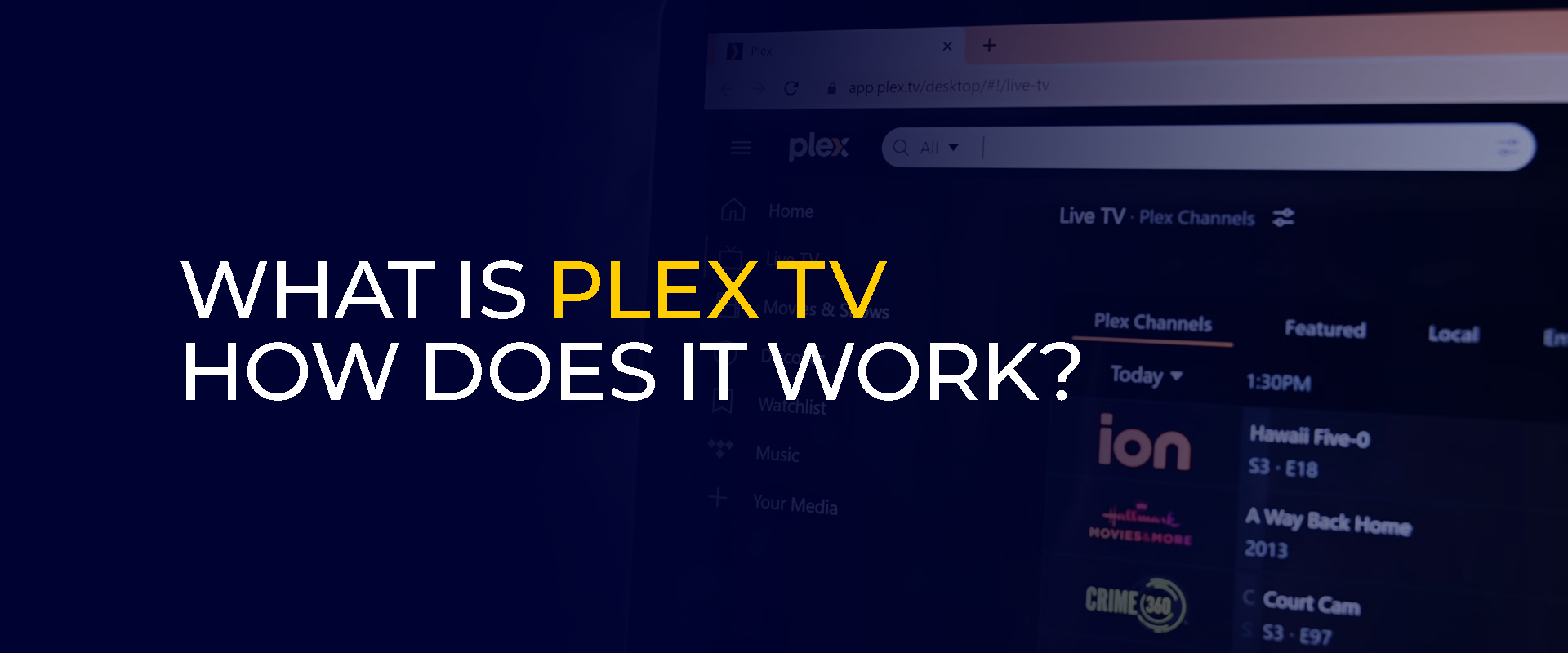
What is Plex? Is it a software or a TV? How does it work? This guide covers everything there is to know about it. For a general view, Plex once started off as a media software. It allowed users to manage, arrange, and stream the best media collections. These included TV shows, movies, pictures, music, and much more on various devices. However, nowadays, Plex is much more than just a media server software. Let’s get started.
TIP – for the best streaming experience on Plex and to secure your connection and data online, always use the best VPN for it.
What is Plex?
The best way to understand Plex is to think of it as a personal media command center. It is a free software platform designed to organize all your movies, TV shows, music, photos, and more.
This is regardless of whether they’re stored on your computer, a hard drive, or a NAS device. Plex lets you stream them to any device in your home or while you’re traveling abroad.
It makes sorting files easier. So, instead of juggling files across different folders and drives, you can install the Plex Media Server on one central computer.
This server then groups your media, automatically adds descriptions, ratings, artwork, and then sends it organized to the Plex app on your smart TV, phone, tablet, or gaming console.
Other than just for your personal collection, Plex also offers free, legal live TV and on-demand movies through its own ad-supported streaming service. It is integrated into one simple, unified interface. In short, Plex turns your scattered digital media into your own private Netflix or HBO Max.
Plex TV Features
Here are the key features of Plex TV:
What is Plex Media Organization and Playback?
Plex automatically sorts your personal collection of movies, TV shows, music, and photos. It pulls and sorts together detailed information like plot summaries, cast lists, album art, and custom artwork to create a polished, browsable library. The best part is that Plex plays virtually any file format directly on your devices.
Stream From Literally Anywhere
After you set up the Plex Media Server on a computer or NAS at home, you can stream your entire media library to a supported device. It can be your phone, smart TV, tablet, or game console. It doesn’t matter whether you’re in the living room or away from home.
Remote Access and User Management
Another great Plex TV feature is that you can create separate, free accounts for family members with personalized watchlists and viewing histories. The service is created to allow you and your guest users secure access to your server from outside your home network. Plus, there is zero complex technical setup.
Free Live TV and Movies
Beyond your personal files, Plex provides a built-in catalog of free, legal movies and TV shows supported by ads. It also includes a live TV guide with a large variety of channels for sports, news, and entertainment, and doesn’t require any subscriptions.
Universal Watch Together
This is a popular Plex TV feature that lets you start a synced movie or show with friends in different locations. It’s one way to keep the relationships and experience alive. Everyone’s playback stays in sync, and if you need to keep in touch during, there’s a group chat function that is built right into the viewing session.
DVR and Live TV Integration
Lastly, if you attach a digital TV tuner and antenna to your server, Plex can function as a full DVR. You can watch, pause, and record free over-the-air broadcasts. It works as a perfect integration for those live channels and recordings directly into your main library interface.
Is Plex Safe to Use?
Yes, Plex is safe to use. When you download its server and app software from trusted locations like its official site or official app stores, the software itself is safe and free from harmful programs.
For the extra mile in security, your connection to the Plex-owned servers and to any personal server you set up for remote access is protected by standard HTTPS encryption.
Where your private media files matter, Plex is generally designed to respect user privacy. The company does not gather, share, or profit from the specific titles in its users’ personal movie or music collections.
It does, however, collect general information about your library. This includes the kind of devices you use, your file formats, and how frequently you watch content.
This anonymous data helps Plex improve its service, but it also means the company has a general picture of your viewing patterns.
If you’re using the free, ad-supported streaming channel, the privacy situation changes a bit. With it, you can share significantly more personal information, which Plex can use for targeted advertising and may share with other companies.
The kind of information that is shared can include your location, exactly what you watch and search for, your friends list on the service, and how you interact with it. This level of data collection is quite common and similar to what most other commercial streaming platforms do.
Is Plex Legal?
Yes, Plex is completely legal and safe. The free streaming content it provides comes directly from agreements with official rights holders, including MGM, Warner Bros., and Lionsgate.
It is also completely within the law to use Plex to stream your own media. For instance, you can stream movies from DVDs you own and have personally copied for your collection.
However, streaming a library of content acquired through piracy is illegal. In this case, the issue lies not with the Plex software itself, which is not liable, but with the source of the media files you possess.
Can We Use Plex For Free?
Yes, you can, although there are a few minor in-app purchases that you can skip over.
Plex offers a substantial free service that gives you access to movies, TV shows, and live channels. However, this free TV service is supported by ads. It also gives you the ability to stream your personal media collection to devices on your home Wi-Fi.
If you’re looking to use more advanced capabilities, particularly to access your personal server outside your home and use premium DVR functions, you need a paid Plex Pass subscription.
It’s important to note that after the recent Plex TV updates, the option for free remote streaming on most devices is restricted.
How Does Plex Work?
Plex is designed as an intricate software that solves a common modern problem. It’s common for everyone to have movies, TV shows, music, etc., saved on our computers or hard drives. However, the hassle is having to watch them on anything other than that one device.
Plex turns that scattered collection into your own personal, organized streaming service that you can watch on almost any screen.
You could think of it as creating your own private Netflix, but with media you already own. For a simpler understanding, here is how it works:
- Create a Plex server by choosing a PC that stays on or NAS servers.
- Now, install the server software on it.
- Next, create a name for the server.
- You will now need to configure the media servers by showing Plex your folders of movies, TV, and music. It organizes them for you.
- Lastly, download the Plex app on your phone, TV, or tablet. You can either choose to watch content for free while connected to your home network or go for the paid version. The paid version (Plex Pass) lets you stream content on Plex TV from anywhere, even globally.
Best Plex Alternatives (Open-Source)
Even though it is one of the best, it’s not open-sourced, and if you’d like to stream on the go or anywhere outside your home, you need to switch to the paid plan. So, if this is an issue, there are still other open-sourced Plex alternatives for you to try. These include:
Kodi
Kodi is among some of the best Plex alternatives, used by millions worldwide. It’s favored for its open-source nature and remarkable adaptability. The real appeal lies in its wide variety of add-ons, enabling almost any conceivable feature.
This includes a plethora of third-party plugins for streaming live television. Yet, the legality of many of these sources is often murky.
Unlike other well-known media servers, Kodi isn’t built to be a central hub for sharing your library across devices. Its primary function is to play content directly on the device it’s installed on.
That said, if you’re looking to transform it into a more shareable server, you can integrate plugins from
Jellyfin
Another great alternative to Plex is Jellyfin. It is a free, open-source media server that works a little like Plex. You can install it on a computer to host your movies and music, then stream them to apps on other devices that you own.
The only catch is that it’s a less polished version. It lacks some advanced features, and its system for accessing your library from outside your home isn’t automatic.
You have to manually set up your home network to allow outside connections, which requires some technical skill. However, unlike Plex, Jellyfin offers remote access from anywhere, completely free of charge.
Jellyfin was created from Emby’s original code, and despite Emby now charging for features like remote streaming, Jellyfin keeps everything free, which makes it extremely convenient.
Frequently Asked Questions
Plex transcoding is the process of converting your video files in real time so they can play smoothly on any device, adjusting for format, internet speed, or subtitles. It uses your computer’s power to prevent buffering and ensure compatibility. Yes, Plex offers a solid free tier, complete with movies, shows, and live television supported by ads, as well as basic streaming of your personal files. However, if you’re looking to use the premium functions for your own media, like watching on a mobile device outside your home, you’ll need to purchase a lifetime license or subscribe to Plex Pass. The paid version of Plex via the Plex Pass subscription costs $6.99/month and $69.99/year. There is also the Lifetime access for $249.99. Yes, you can think of Plex as a hybrid streaming service that is ad-supported. It comes with its own movies, TV shows, live channels, etc., but you can also use it to stream your own content stored on your devices. A Plex server is a program that you install on a computer or storage device. It functions by scanning your personal movie, music, and photo collections, neatly organizing them with descriptions and artwork. You can create your own private streaming library and stream it on your TV, phone, or tablet from anywhere. You can find the app from your device’s app stores, like Google Play, App Store, Smart TV app stores, etc. What is Plex transcoding?
Is Plex TV actually free?
How much does Plex cost?
Is Plex a streaming service?
What is a Plex server?
Where can I find the Plex app?
To Conclude
Now that you’ve gotten your question on “What is Plex?” answered, you now have a clearer idea of how to use Plex and whether or not it is the best streaming solution for you. It offers features and functionality that are favorable. However, if you’d like to stream remotely and hassle-free while roaming about, you’d need to pay for that feature. If you’re not looking to pay and need something more open-sourced, we’ve recommended going for public favorites: Kodi and Jellyfin. Other than this, always be cautious of how you use either of the services and keep the legal notices in mind.
Take Control of Your Privacy Today! Unblock websites, access streaming platforms, and bypass ISP monitoring.
Get FastestVPN
Subscribe
0 Comments



